

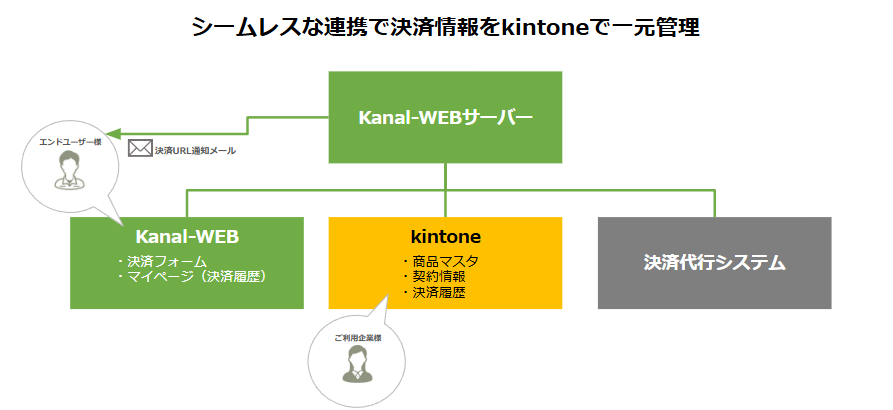
Connect kintone with a payment system and manage payments in kintone
Reconciliation updates automatically, too.
Payment data in one place, payment notices sent automatically
By connecting kintone with a payment system, information from an external payment service provider is managed in one place in kintone.
Connected with Kanal-WEB, payment notices to end users such as members are automated, supporting efficient operations.
Compared with custom development, it keeps the initial cost down and goes live in a short time.
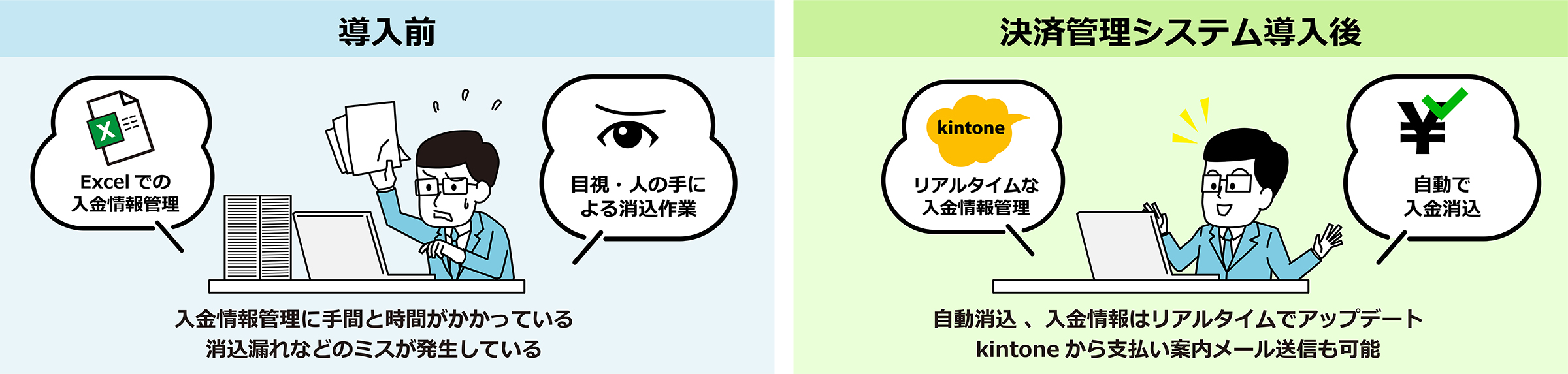
* About two months on average
Payment data linked to member data automates fee collection
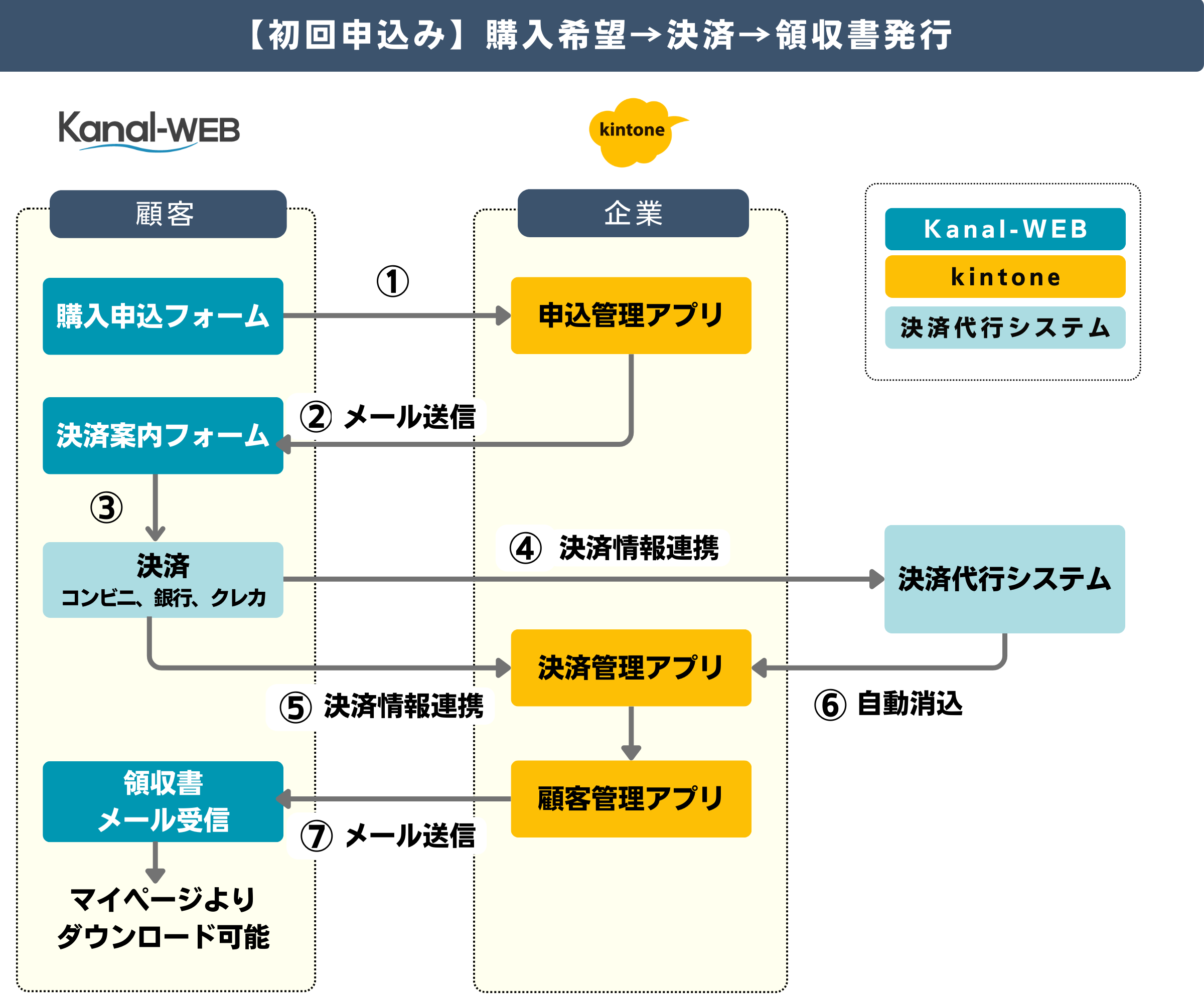
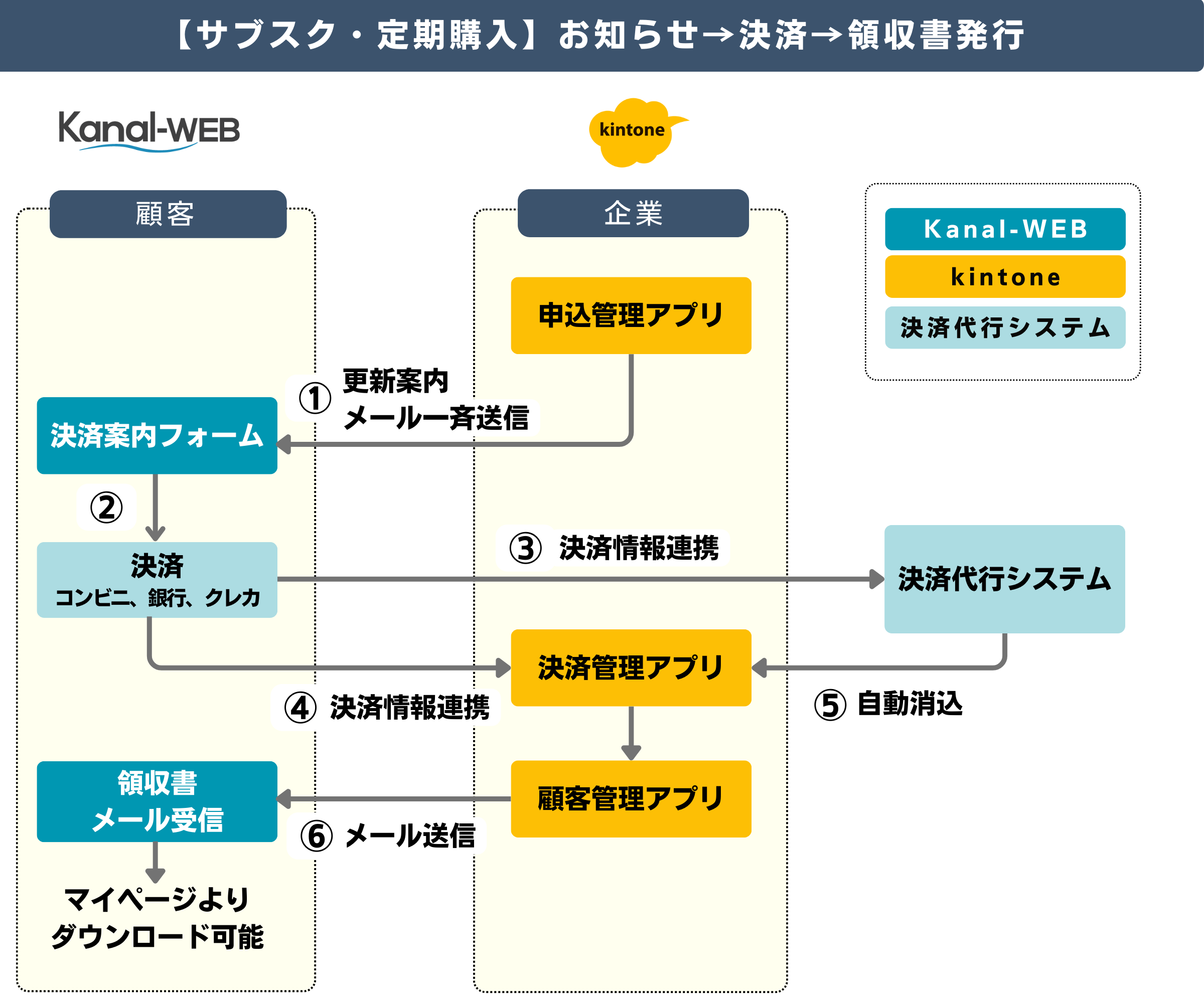
3 ways kintone connects with payments
-
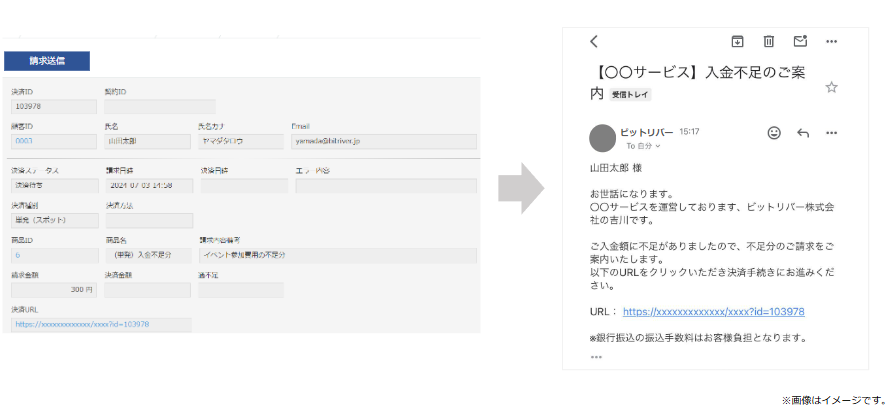
Send emails with payment links from kintone
No need to open an email app send email straight from kintone
Send emails with a payment link from kintone without logging in to the payment service.
Notices about unpaid or underpaid amounts can also be emailed directly from kintone, without opening an email app.
-
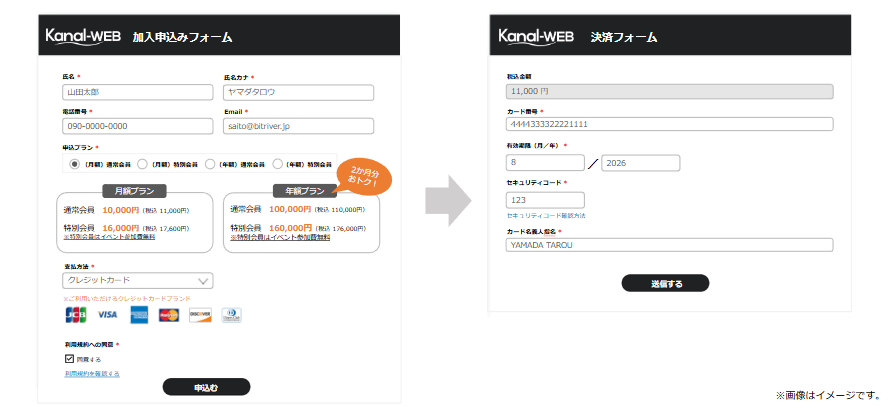
Seamless payment forms so you never miss a payment
With Kanal-WEB building forms is easy too
Easily build web forms for new memberships, renewals and event registration. Payments connect on the form, so you never miss membership or participation fees.
-
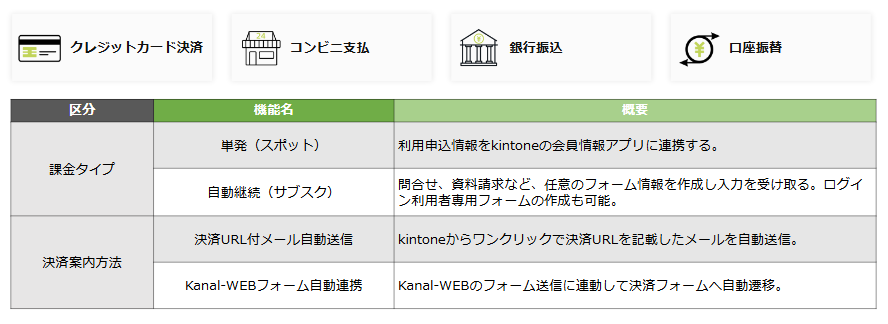
Payment methods that fit your business model with subscription (recurring) billing
One-off and recurring payment options
Monthly, yearly and other payment methods that fit your business model. Supports one-off (spot) payments as well as automatic renewal (subscriptions).
kintone screen examples
-
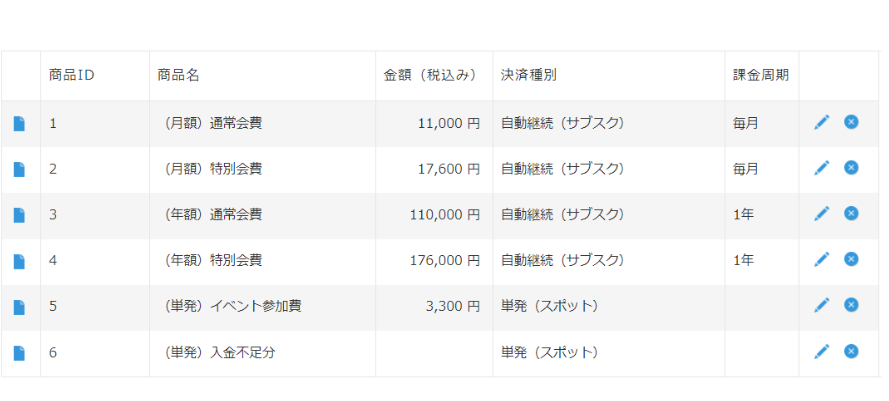
Product master
-
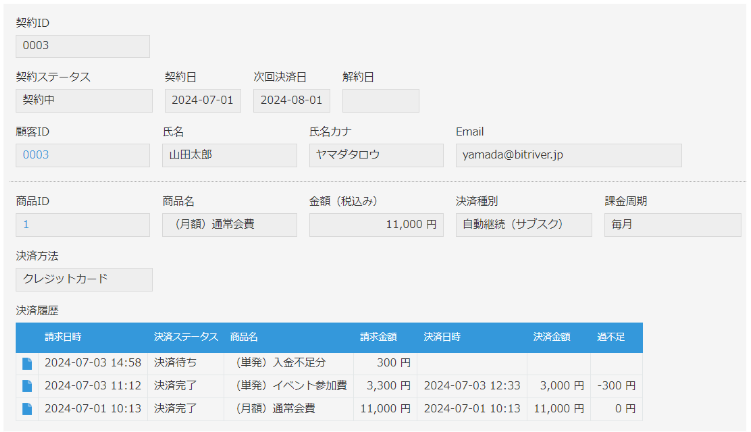
Contract app
-
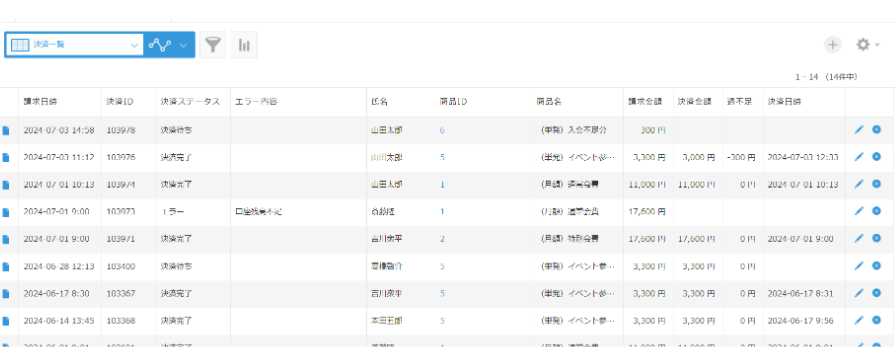
Payment history list
-
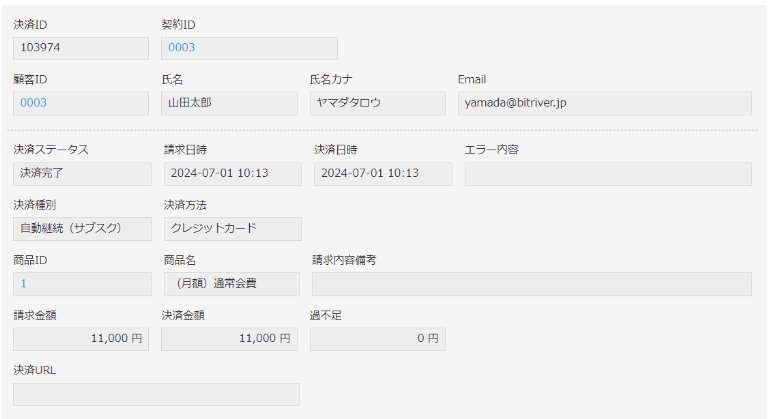
Payment history detail
What Kanal-WEB payments can do
-
Build and launch in a short time
Compared with custom development, you can build and launch in a short time.
-

See unpaid balances and send reminders
Unpaid balances are easy to check, so collection moves quickly.
-
Billing and reconciliation reflected automatically in real time
Customer billing and payment reconciliation are reflected automatically in real time.
-
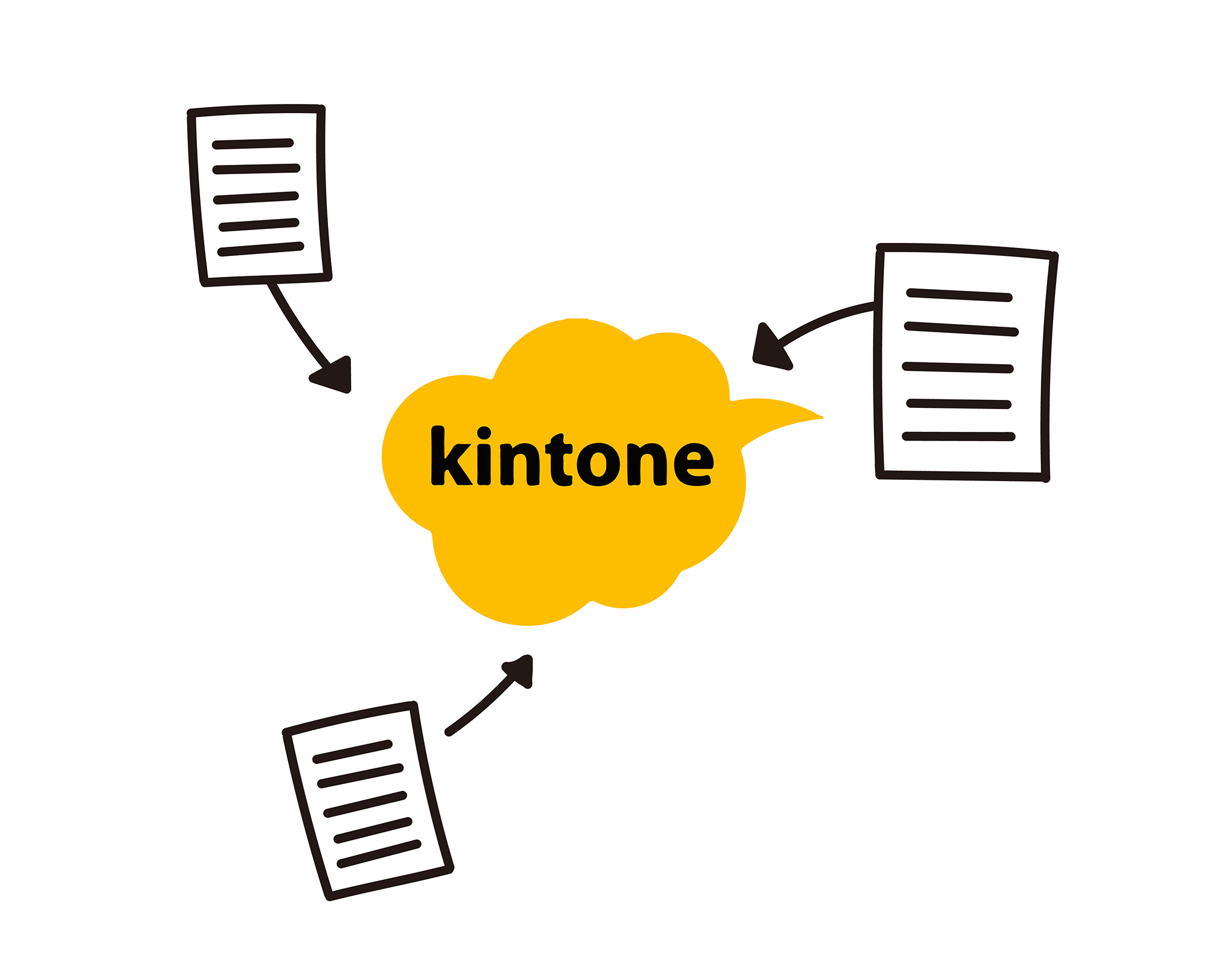
Less data entry no more mistakes
Application data is gathered in kintone automatically. No more retyping or input errors.
-
Search and check data smoothly
Information in kintone on the cloud is always up to date, so you can answer inquiries accurately.
-

Renewal management renewal notices by email
Deadlines you set, such as annual contracts, are emailed to staff and customers so no renewal is missed.
Kanal-WEB functions
A customer relationship management (CRM) system for payments and many other tasks
-
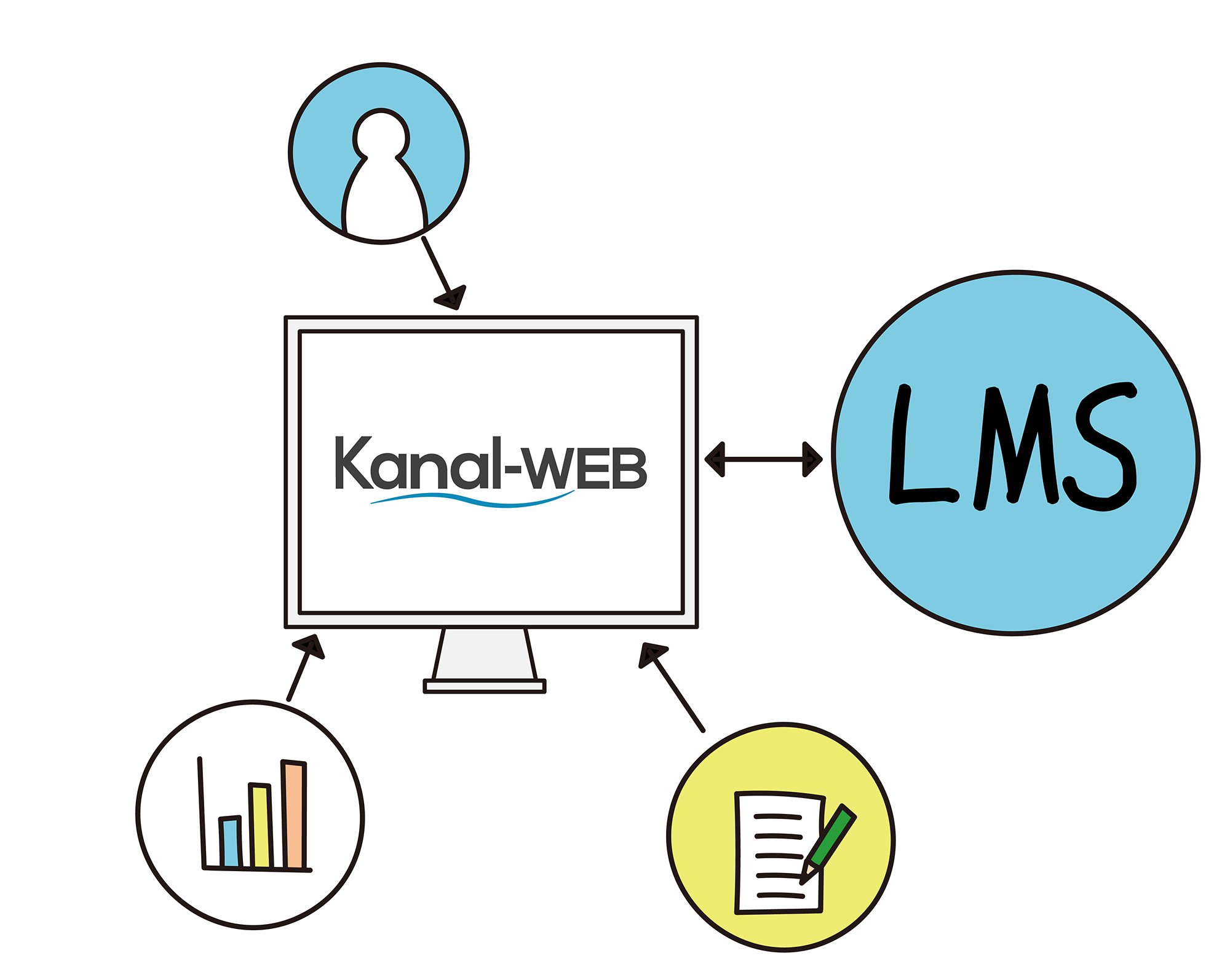
My Page
Beyond updating registered details and checking notifications, it works as a portal for viewing service history, membership card data and more.
-
Web forms
Create all kinds of forms, such as inquiries, surveys and seminar registration. Each form can be switched between public and members-only.
-
Email delivery
Send individual or bulk emails from kintone. Narrowing recipients by activity history, member attributes or region boosts engagement.
-
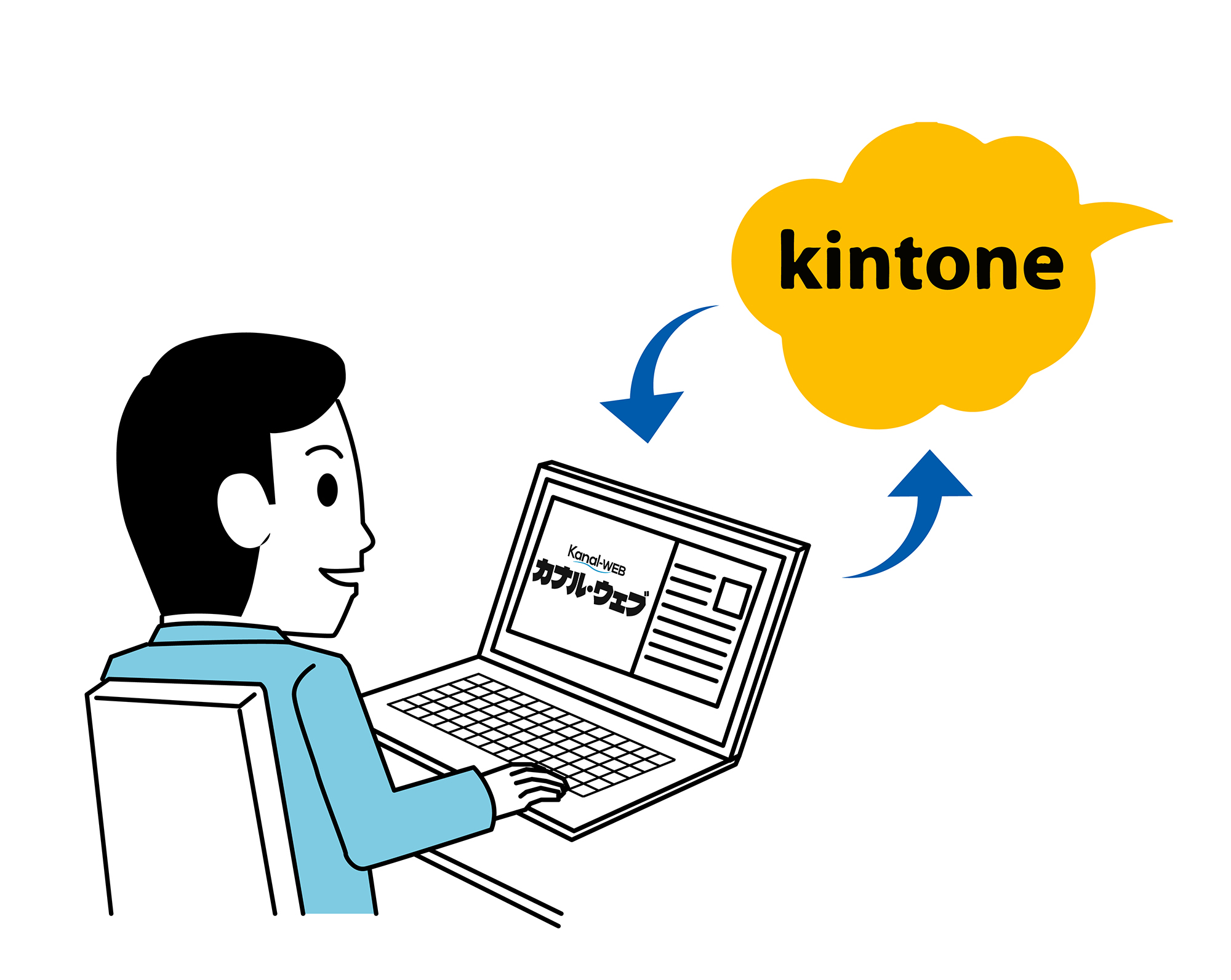
Activity tracking
Track and store what users do on My Page. Use the history data to improve your services and member satisfaction.
-
Members-only CMS
Create and manage original content available only to logged-in users. Publish content from kintone in a blog-style layout.
-
Mobile ready
Works on tablets and smartphones, so information is available on the go.
Extend it with options
-
LINE integration
Users communicate smoothly through the LINE app they use every day. Send LINE messages from kintone.
-
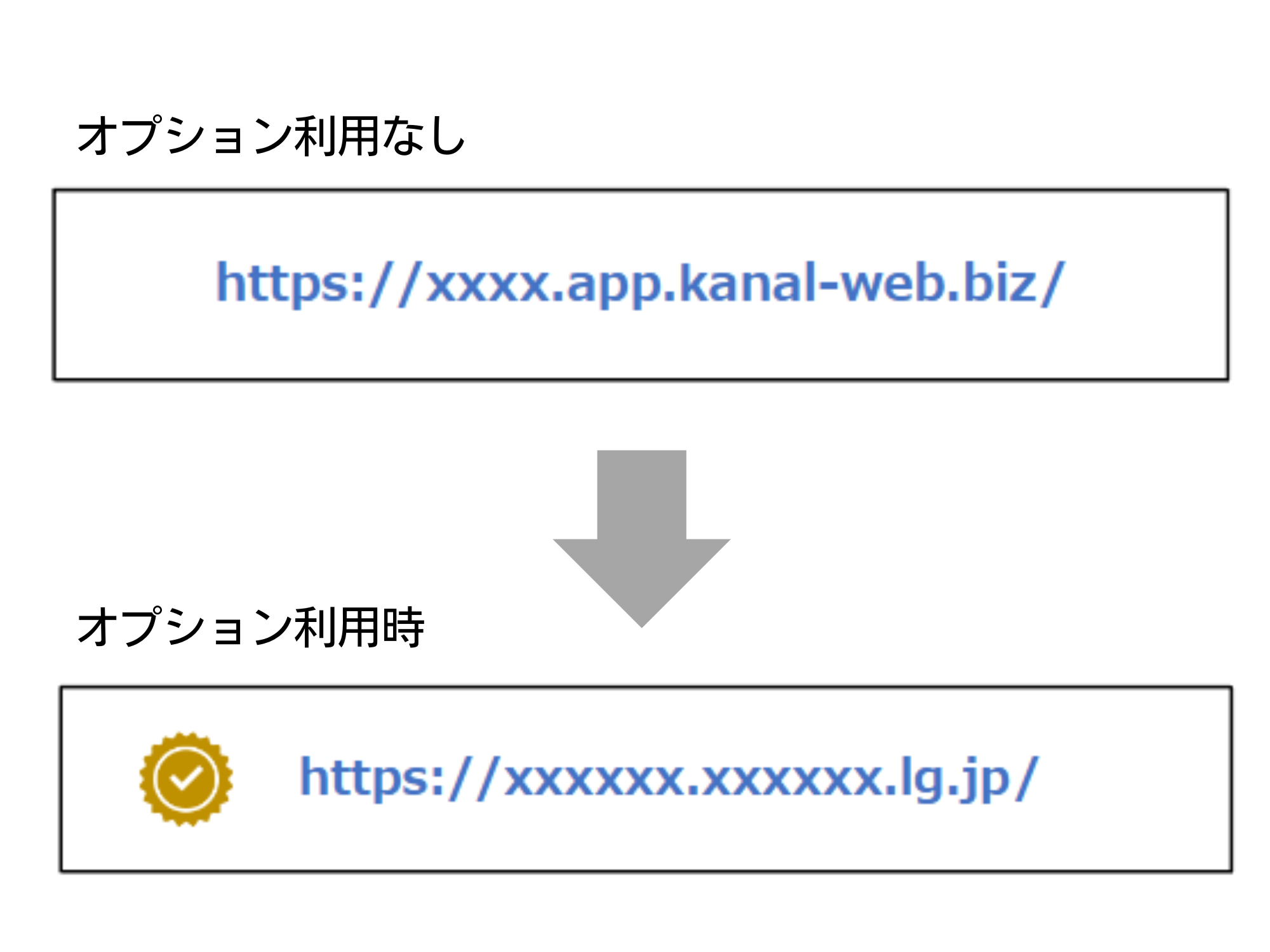
Custom domain
With the custom domain option, you can run My Page on your own domain, which builds trust.
-
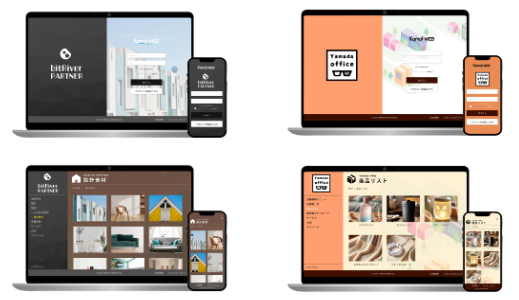
Original design
Build in an original design that matches your company logo.
Case study: Miratap (formerly Sanwa Company) built a well-designed B2B site in a short time
Flat pricing as members grow
-
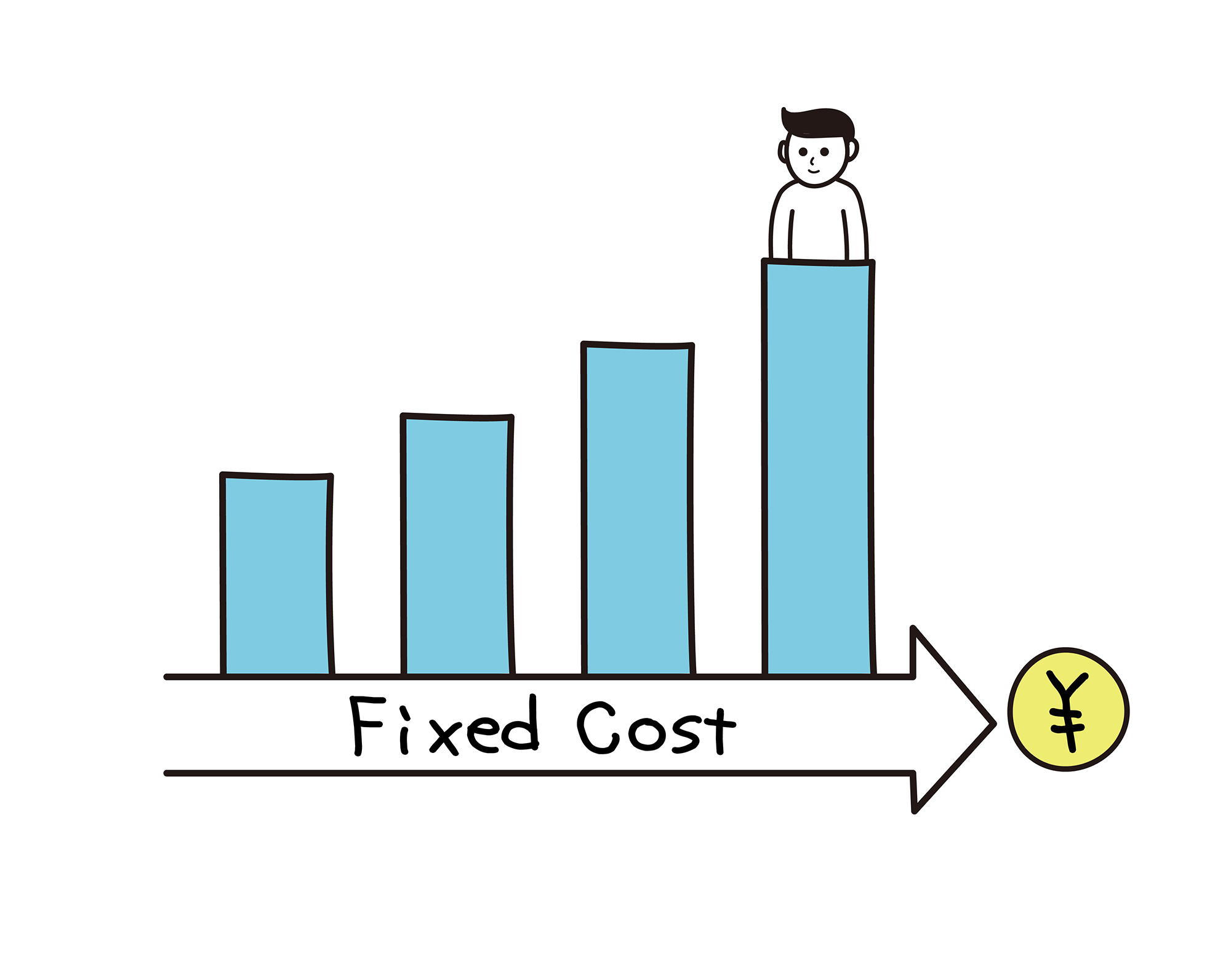
Use it at the same flat price with no cap on the number of users. No extra cost as your membership grows.
Case study: Anchor Co., Ltd. solved its member count problem
Kanal-WEB payments case studies
-
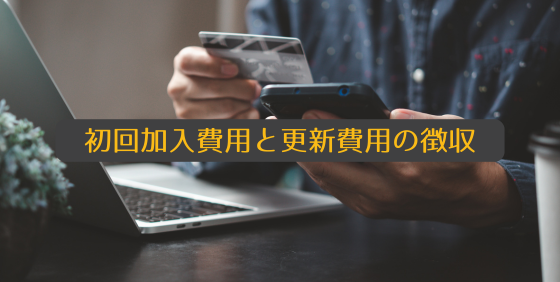
- Industry
- An arts association
- Challenge
- Initial and renewal fees were paid by bank transfer, making payment checks cumbersome; missed checks after payment led to errors such as renewal notices not being sent.
- Solution
- Everything from checking payments to sending renewal and unpaid-balance emails is now done from kintone. Unpaid balances are easy to see, so collection and renewal notices go out quickly.
-

- Industry
- A security association
- Challenge
- Training course registrations were paid by bank transfer, and each member’s payment was checked by hand, which took time and effort.
- Solution
- Reconciliation is reflected in kintone automatically, so everything is managed in one place. Payments can be checked in real time, so inquiries are answered accurately.
-
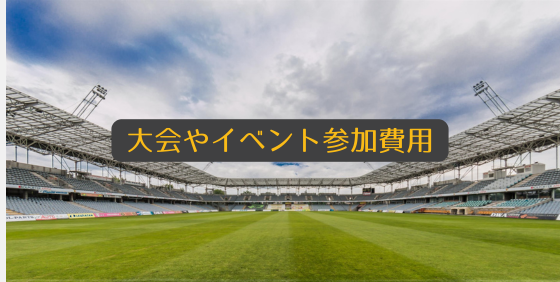
- Industry
- A sports association
- Challenge
- Tournament and event fees were collected in cash at the venue, and handling and preparing cash took effort and carried risk.
- Solution
- An application form built with Kanal-WEB now takes payments directly. Cash at the venue is gone, and participant management runs smoothly.
From getting started to receiving payments
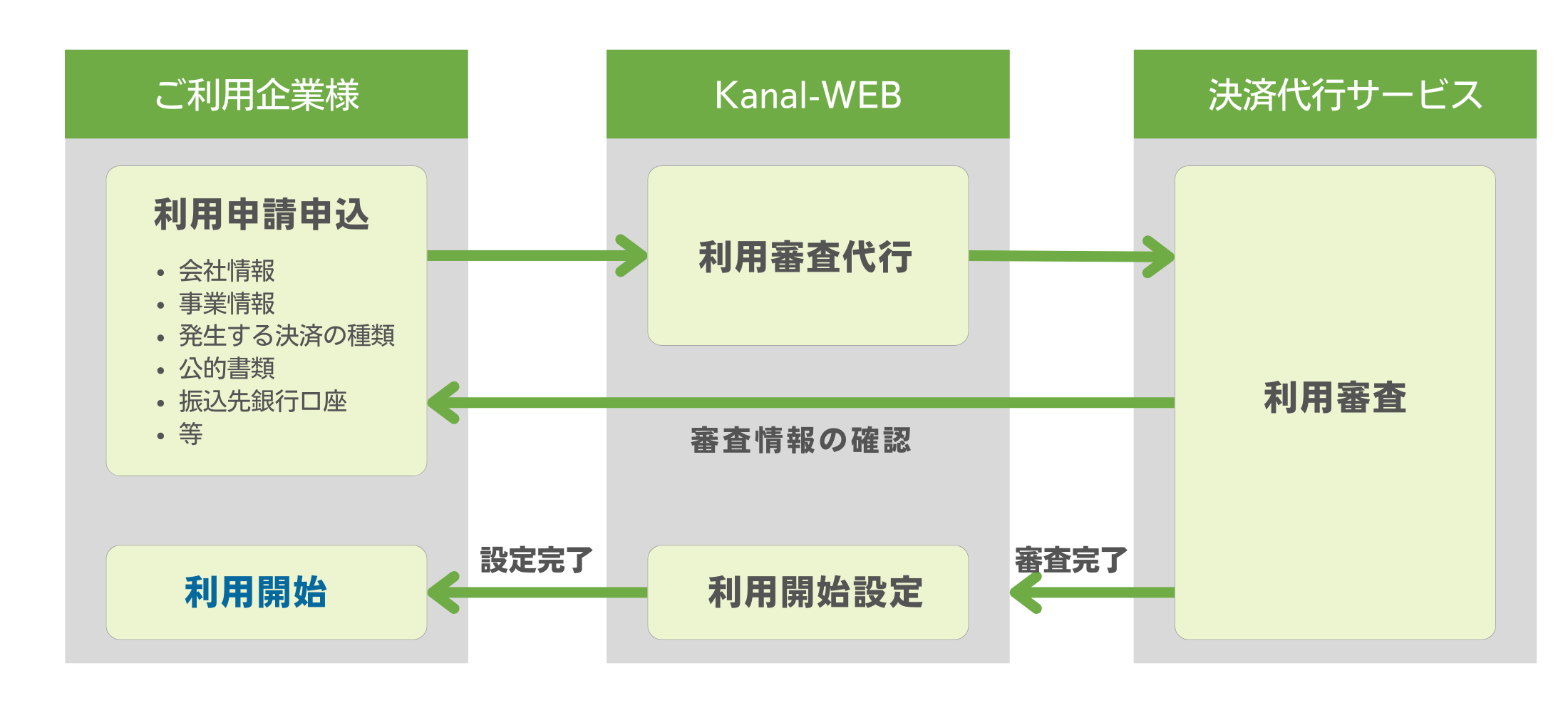
You can start once the payment service provider has completed its review
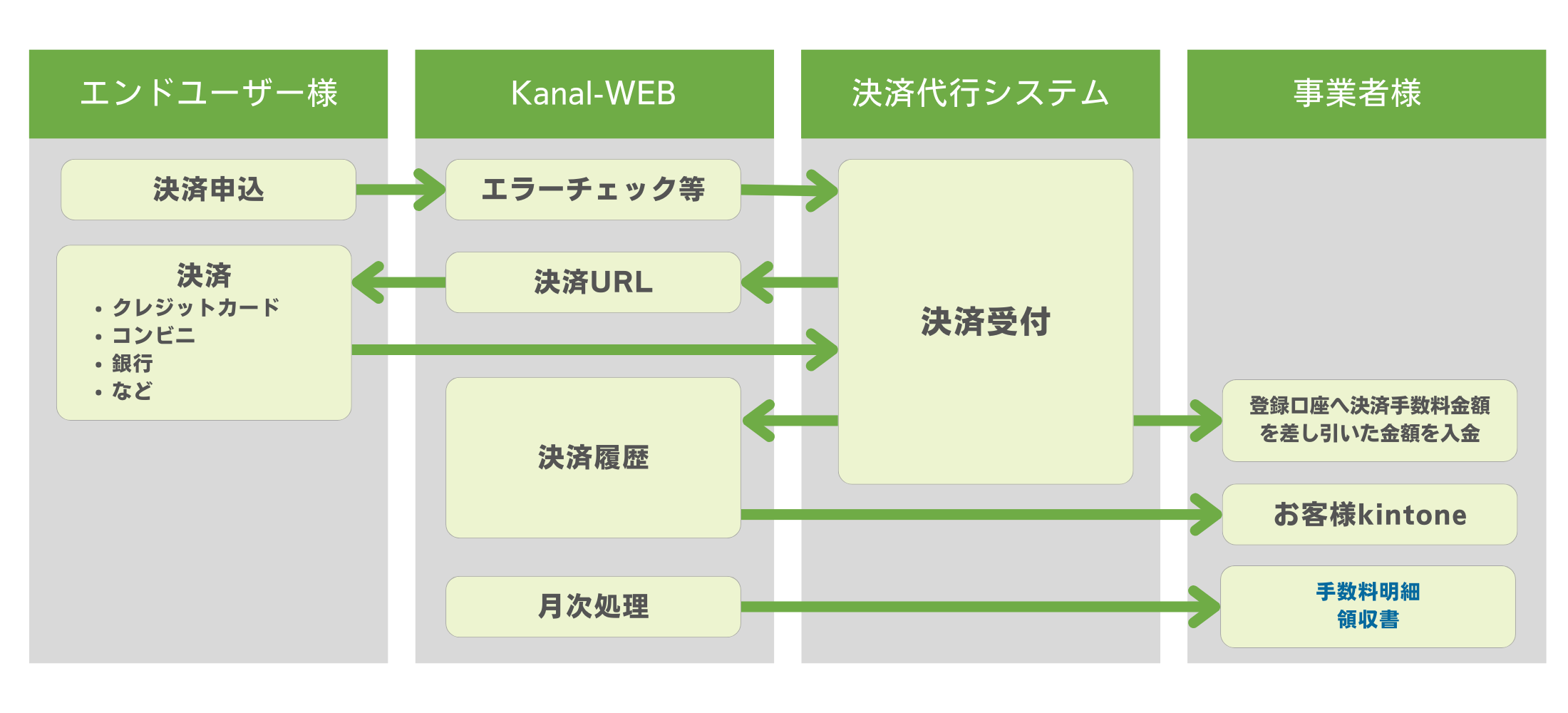
From an end user’s payment to the deposit into your registered bank account
Start with a free trial or an online consultation.
See the pricing page for plans and how to apply. See pricing