
Many people have told us it's hard to picture the kind of member pages they could actually build with Kanal-WEB. To help, we've prepared an online demo environment where you can experience order management powered by kintone and Kanal-WEB. Together with our existing free trial, you now have two ways to try Kanal-WEB.
Online demo: Preloaded with sample data, so you can easily get a feel for how it works in practice.
30-day free trial: Test it with your own company's data. You won't be charged automatically when the trial ends, so you can try it with peace of mind.
In this article, we walk through the order management online demo with screenshots. It's written for anyone who would like a bit more information before applying for the trial, or who wants to learn more about Kanal-WEB's features.
Kanal-WEB Demo | Order Management
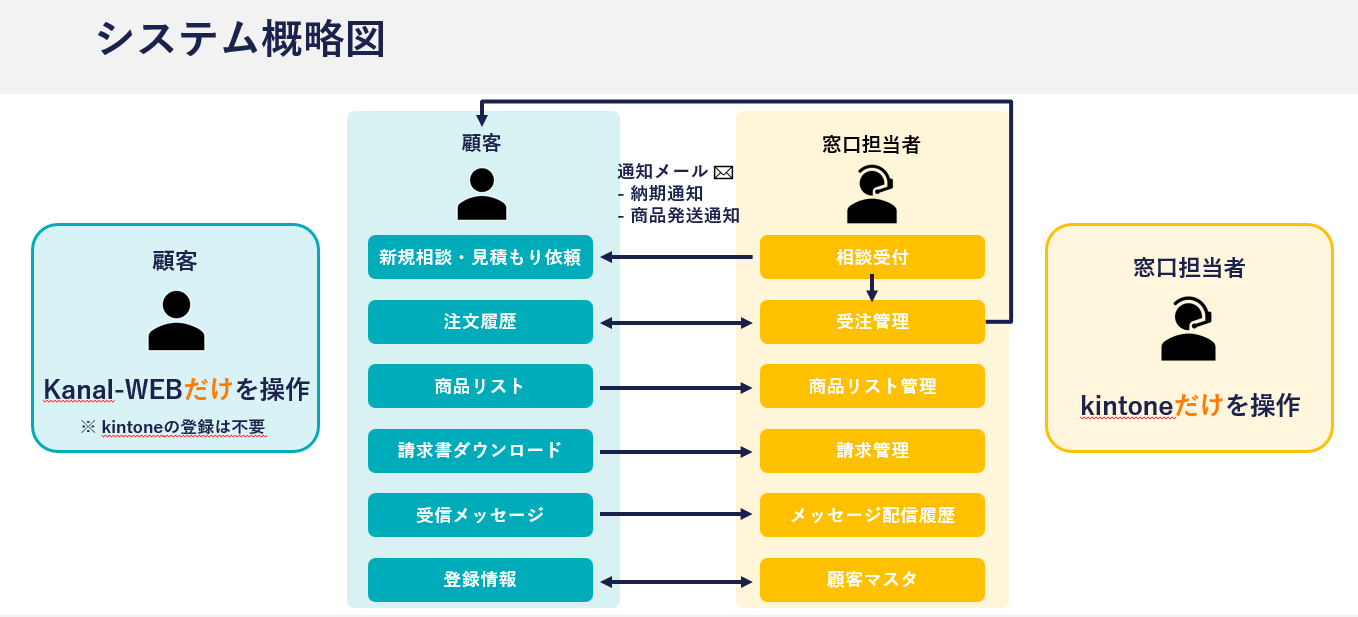
This online demo puts you in the role of the ordering party (the customer) in an order management workflow.
People registered as member site users (customers) can manage their own registration details on the user site, as well as check product inventory, place orders, and track shipping status.
On the administrator side, the registration details and orders that clients submit through Kanal-WEB are automatically reflected in the administrator's kintone apps.
Demo Registration
Once you enter the required information in the demo registration form, a confirmation email is sent to the address you registered. Click the URL in that email, and you can start using the online demo right away.
(Note)
The demo allows users to sign up on their own, but Kanal-WEB can also be configured to issue user accounts only after administrator approval.
The required registration fields can be customized to suit your needs.
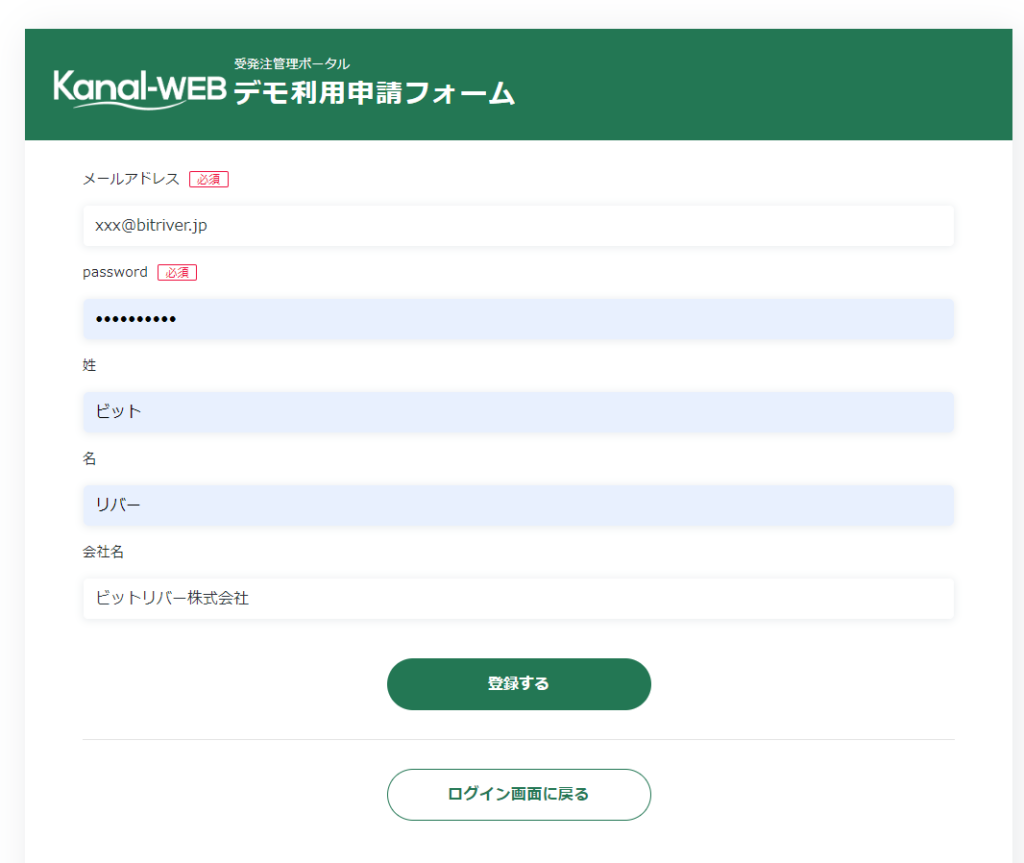
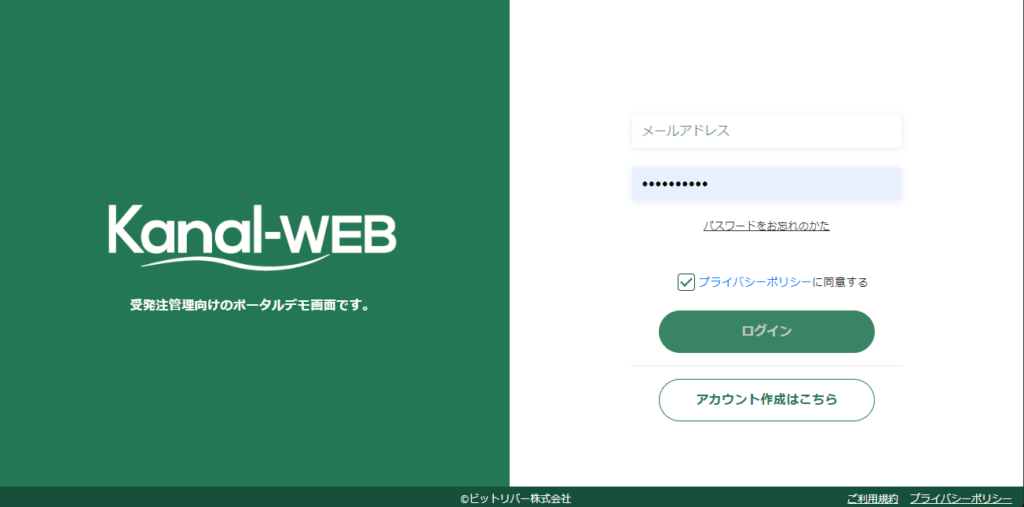
*To use the online demo, you'll need to create an account as a simulated member. The email address and password you register will be your login credentials.
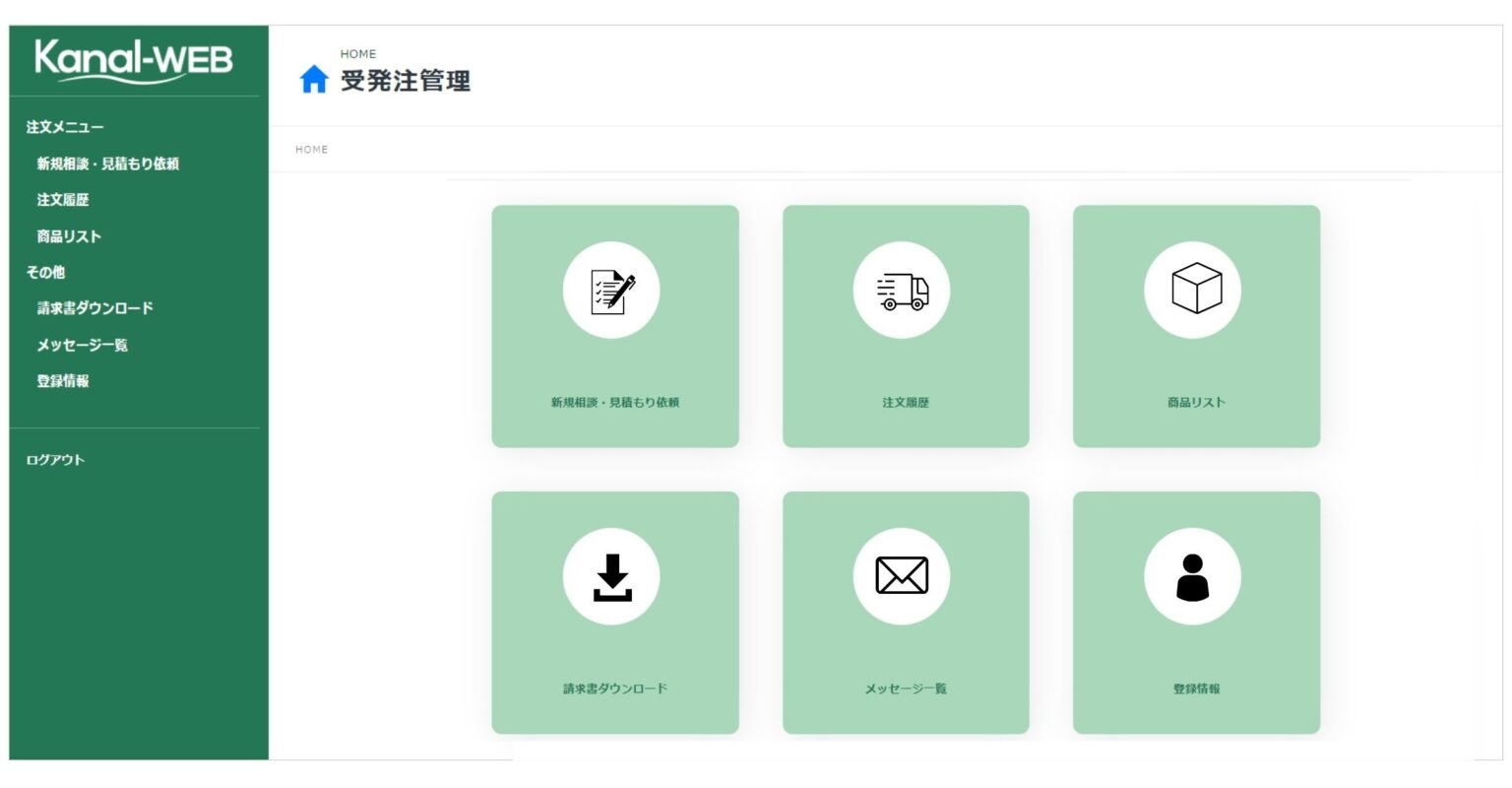
Dashboard After Login
After logging in, you can use the following features.
*These are examples from the demo and can be customized to fit your requirements.
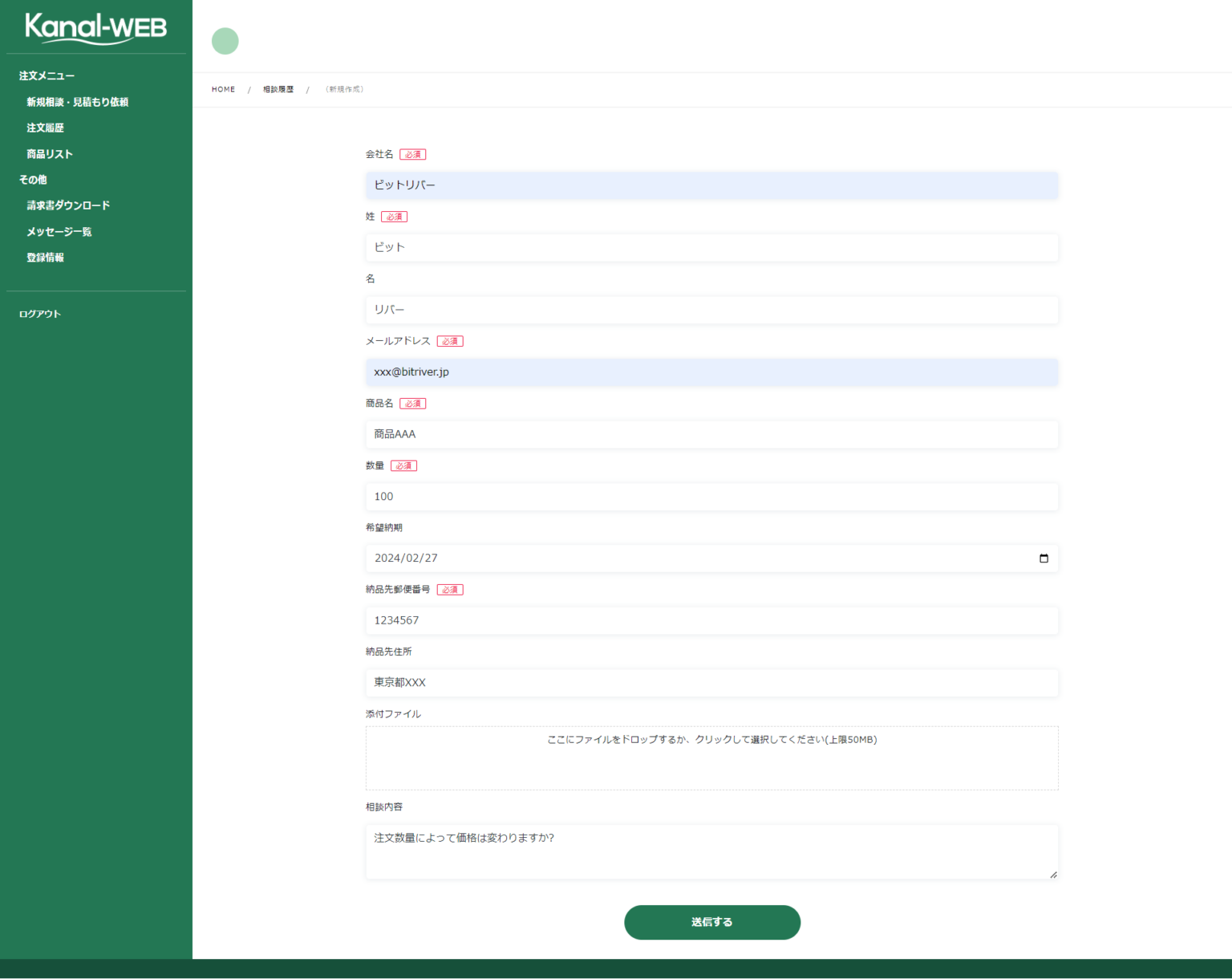
- New inquiries & quote requests: Request a quote by entering product numbers and other details.
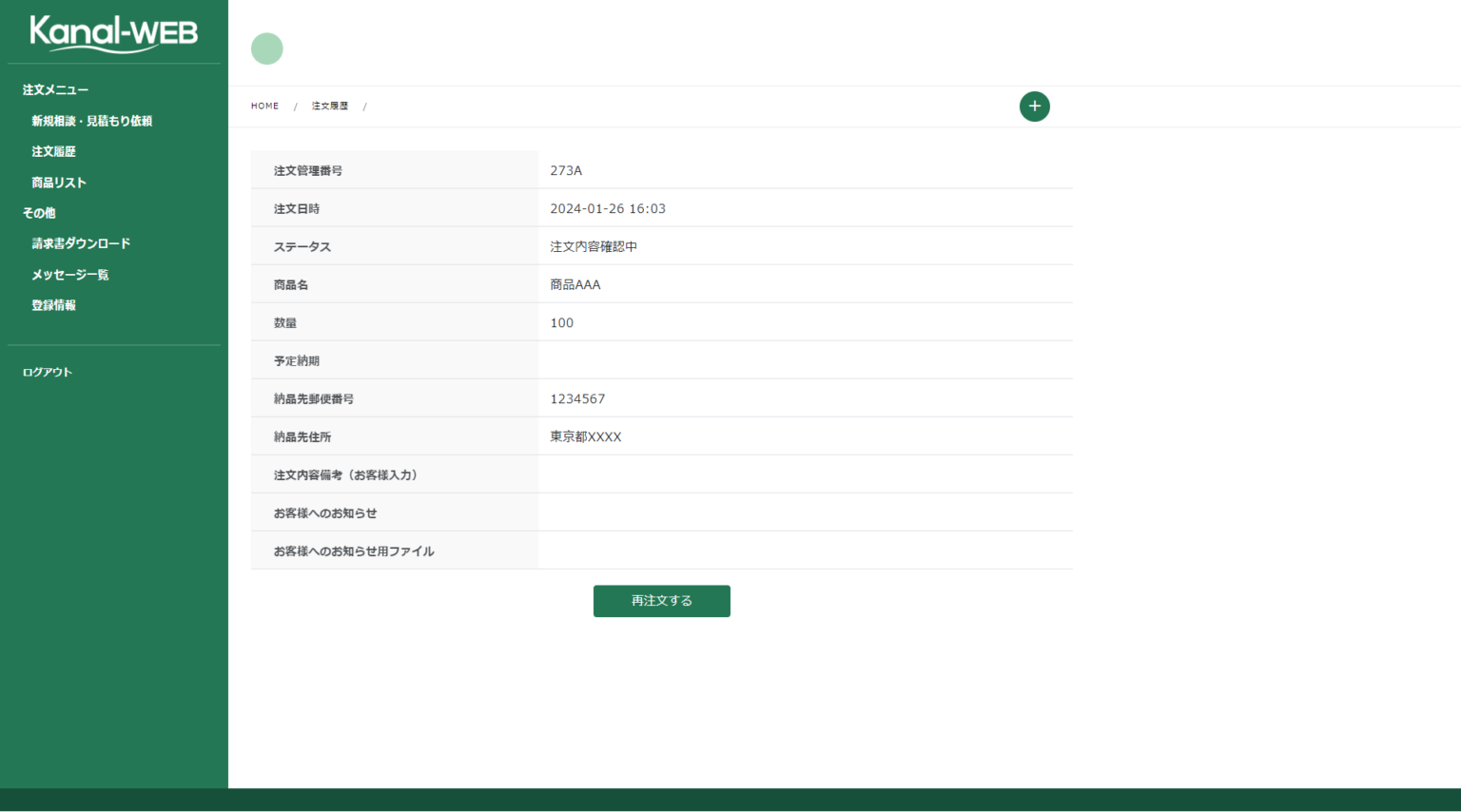
- Order history: Review your order history and reorder the same items.
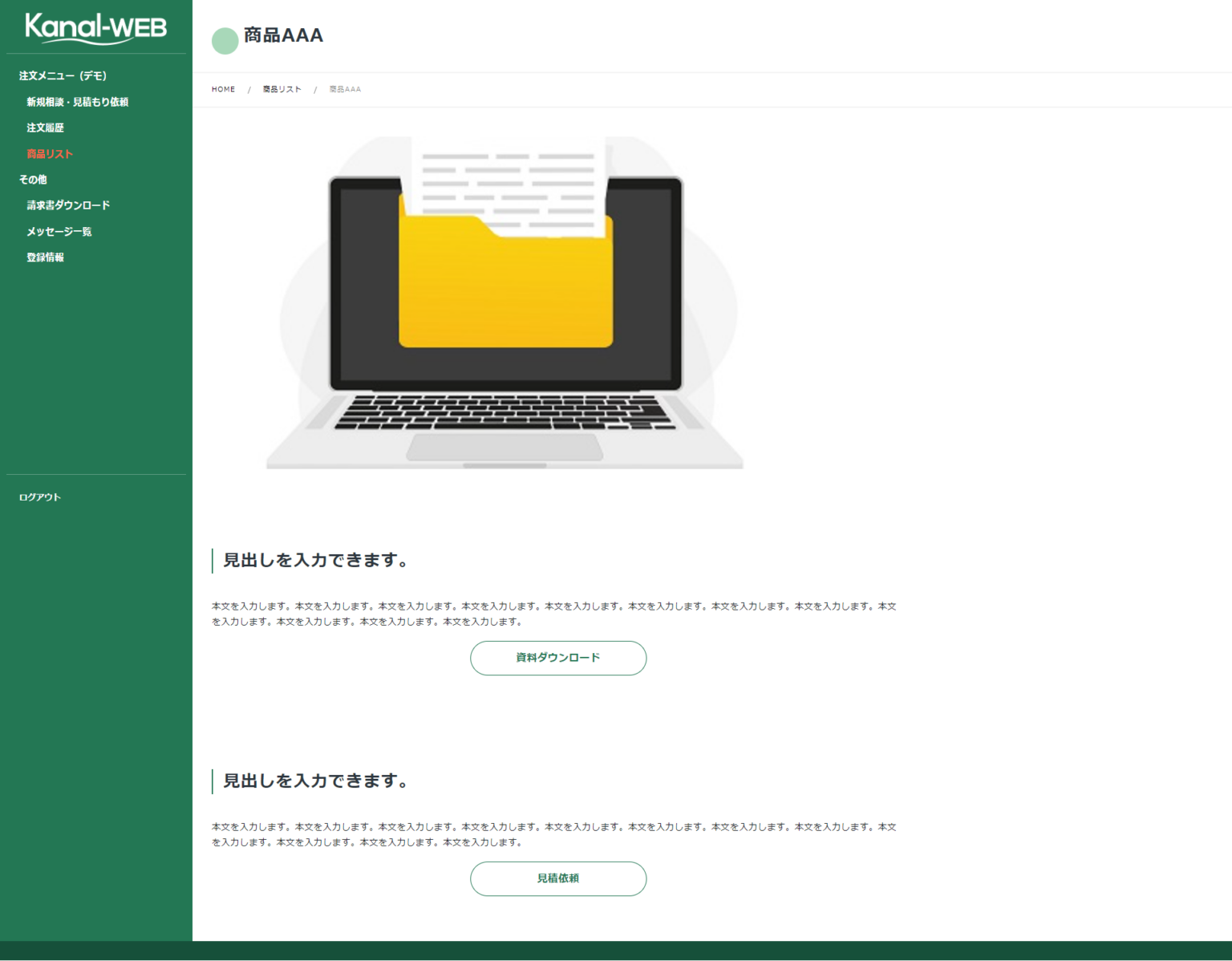
- Product list: View product details, download documents, and request quotes.
- Invoice downloads: Download your invoices.
- Messages: Send inquiries directly to the administrator.
- Registration details: Edit your registration information.
New Inquiries & Quote Requests
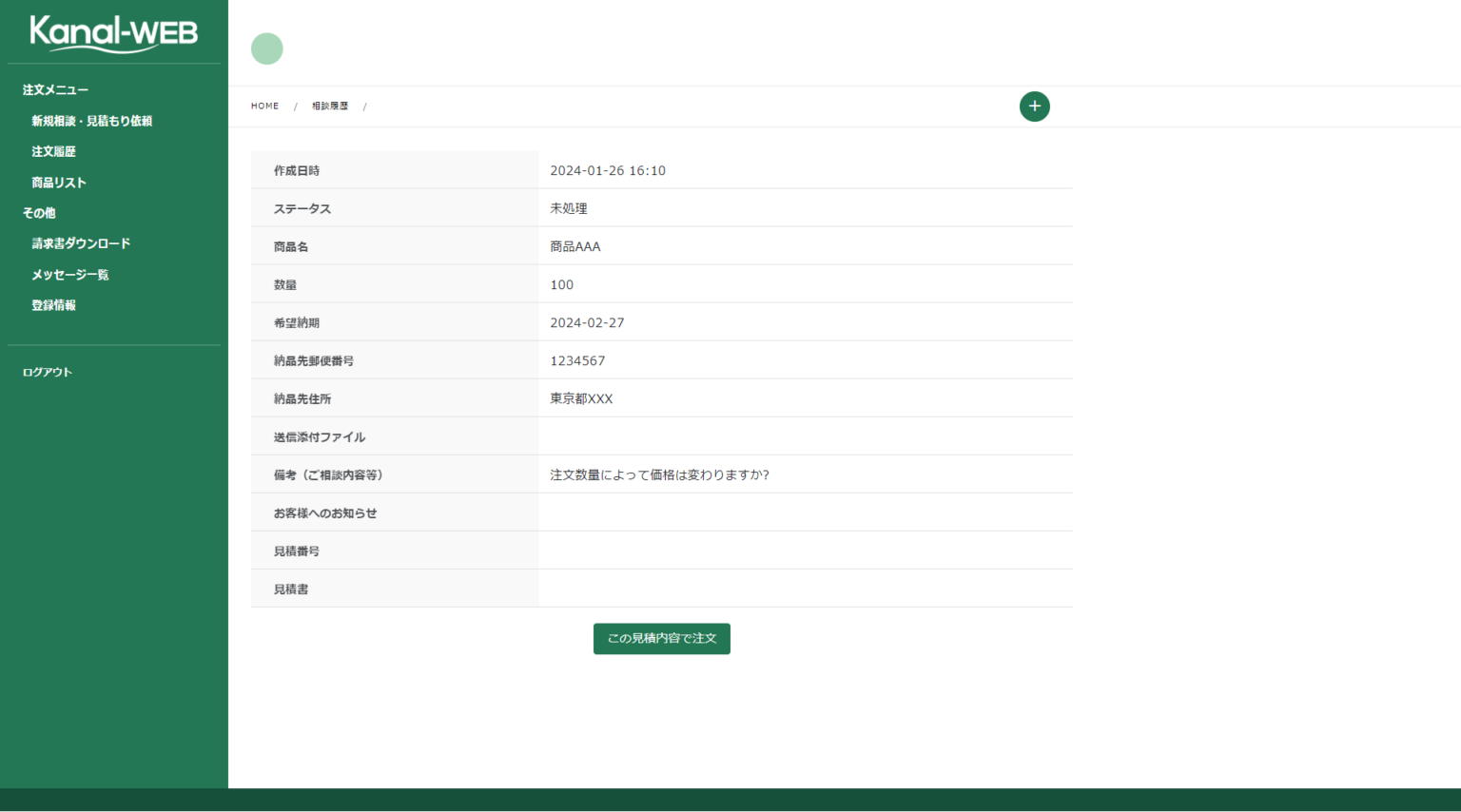
Order History
Product List
That concludes our overview of how an order management member site looks and works from the customer's side. To experience Kanal-WEB for yourself, please try the demo or the trial.
Beyond the order management use case covered in this article, Kanal-WEB can serve many other purposes as a system for building My Pages (member pages). Please feel free to contact us about your company's challenges and needs.
Start by Trying the Actual Screens